Next.js · WooCommerce · Headless · E-commerce · February 10, 2025 · 6 min read
Headless e-commerce with Next.js: lessons learned
How I built a headless e-commerce store with Next.js and WooCommerce for Kafarnaom, and what I learned.
Why headless?
When Kafarnaom contacted me to create their online store, there were two hard constraints: a fast site with a fully custom design, and a non-technical owner who needed to manage products, orders and inventory on his own. A fully custom-coded site would have been impossible for him to maintain, and a classic WordPress setup was too limiting for performance and design.
Headless solved both problems at once.
The chosen architecture
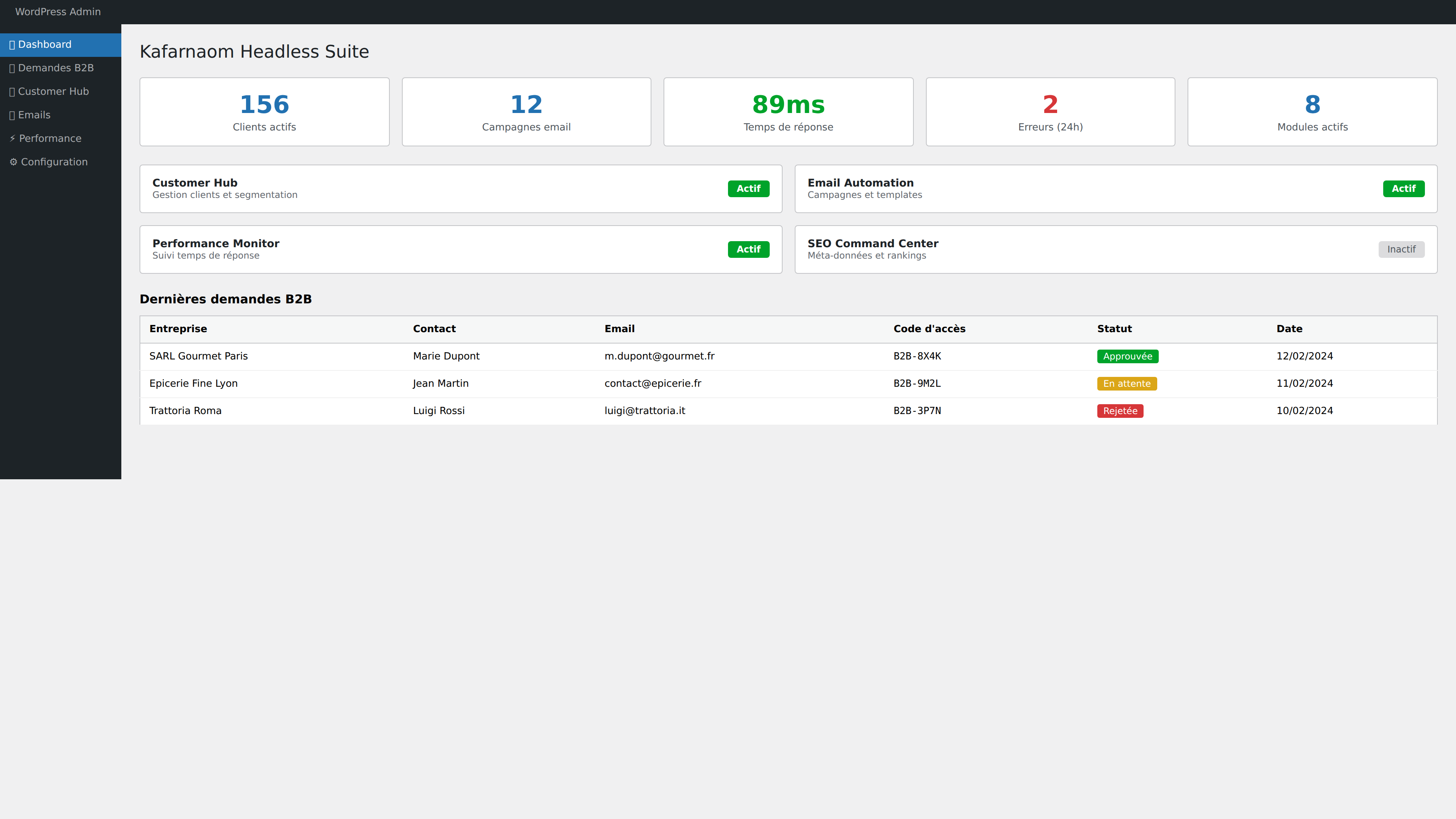
Headless architecture: WordPress/WooCommerce as the backend for management (familiar interface, no training needed), and Next.js as the frontend for the customer-facing site. This separation provides:
- Owner autonomy: The WooCommerce admin panel stays accessible - adding products, tracking orders, managing stock, all without touching code
- Performance: Next.js SSR/SSG generates ultra-fast pages (Lighthouse score 98/100)
- Design flexibility: Total freedom on rendering, without WordPress theme constraints
- Native SEO: Next.js handles server rendering and meta tags natively
Challenges encountered
The main challenge was cart and checkout integration. In headless mode, WooCommerce has no frontend - everything needs to be rebuilt. I used the WooCommerce REST API to:
- Fetch the product catalog (with Next.js-side caching)
- Manage the cart client-side with React state
- Send the order via API at checkout
- Sync inventory in real time
Another challenge was image management. WooCommerce stores images in WordPress, but Next.js needs to optimize them. I set up an image proxy system with the next/image component for automatic optimization.
Results
- Lighthouse score: 98/100
- Loading time: <1.5s
- Site delivered in 3 weeks
- Owner manages the store independently since launch
Key takeaways
Headless isn't for every project - it adds complexity. But when the client needs both a custom storefront and a simple admin interface, it's the best solution. Kafarnaom's owner has never needed me for day-to-day store management, and that was exactly the goal.
A similar project?
Custom quote within 24 h, no commitment.