Dolibarr · ERP · PHP · Automatisation · January 15, 2025 · 5 min read
Automating your Dolibarr ERP with custom modules
Over 10 Dolibarr modules built for VOGLIO BENE: inventory, commissions, e-commerce sync. A look at the patterns that work.
Context
VOGLIO BENE is an Italian products e-commerce importer based in Montpellier. With ~1400 references, a B2B WooCommerce site, and Dolibarr as ERP, the company needed to automate its processes for better efficiency.
Over 3 years of collaboration, I developed more than 10 custom Dolibarr modules. Here are the key lessons.
Game-changing modules
QuickCount - Inventory reimagined
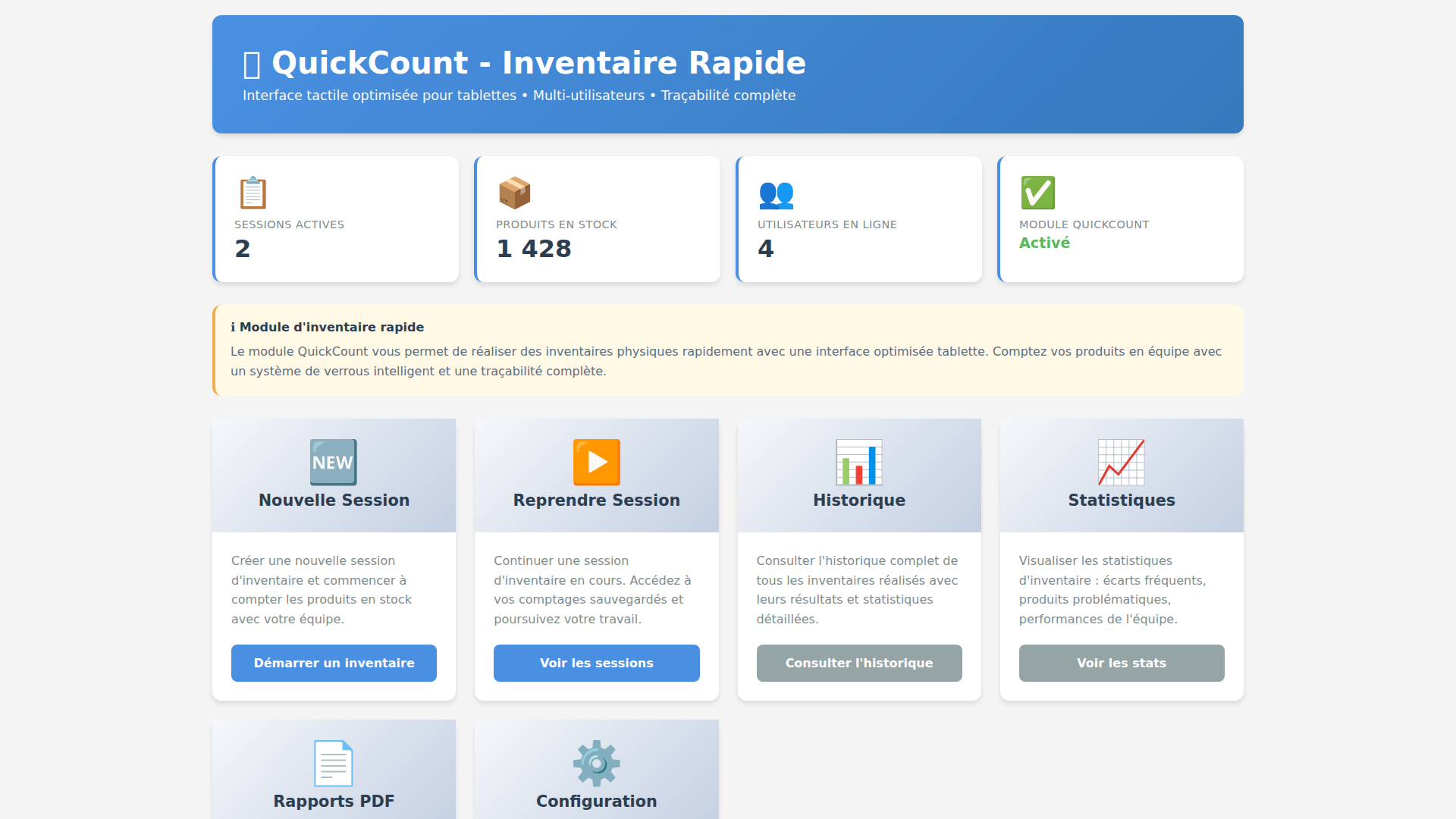
Before QuickCount, inventory required 4 people over 2 days with paper lists. The module offers a swipe-style interface optimized for tablets, with a multi-user locking system.
Result: Inventory time reduced by 60%, counting errors reduced by 90%.
B2Sync - The end of double entry
Every B2B WooCommerce order was manually re-entered into Dolibarr. B2Sync automatically syncs orders, inventory, payment statuses and shipment tracking.
Result: Manual entry eliminated, 50+ orders/day processed automatically.
Commission V2 - Conflict-free commissions
Sales commission calculation was done on spreadsheets, causing errors and disputes. The module automates calculation with configurable rules per product and category.
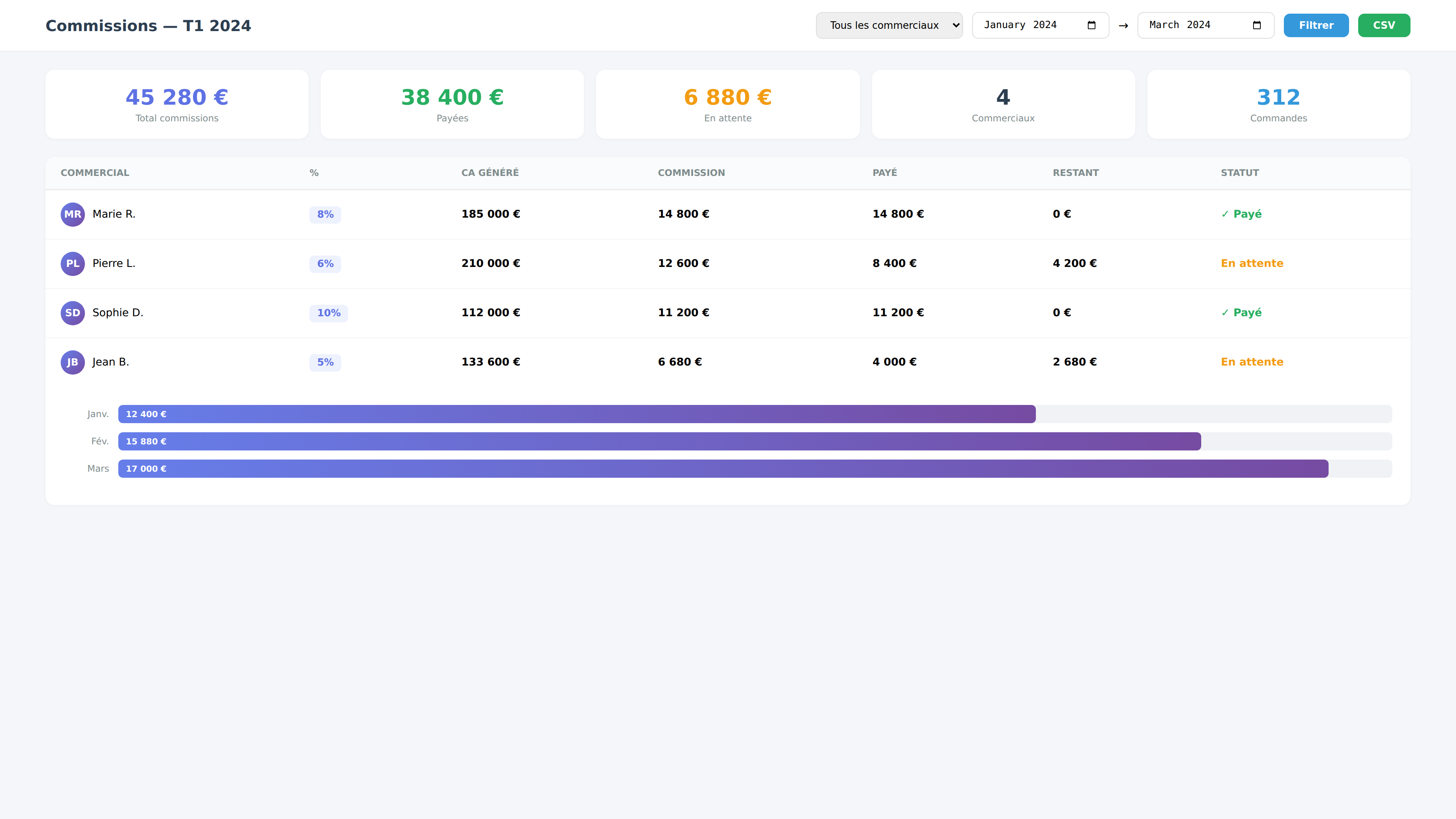
Result: Zero disputes since implementation, complete traceability.
Dolibarr patterns that work
After 10+ modules, here are the patterns I recommend:
- Use the hook system rather than modifying core
- Follow Dolibarr naming conventions for compatibility
- Create admin interfaces in each module for user autonomy
- Log everything - silent crons are a debugging nightmare
- Version SQL scripts - migrations must be reproducible
Conclusion
Dolibarr is a powerful but underused ERP. With custom modules, you can automate 80% of repetitive tasks and free the team for higher-value work.
A similar project?
Custom quote within 24 h, no commitment.